Use cases
Clever Tales handles the work between an idea and the finished media: the story, the adaptation for the screen, the cast, and the shot prompts. Here is what you can make with it today.
From story to your video tool
See how it worksFor creators who already use a video generator and want more than a one-line prompt.
Video generators turn a prompt into a clip. They do not write your story, keep your characters consistent, or decide what each shot should show. Clever Tales does all of that first.
- Describe the idea and shape it into beats and written scenes.
- Adapt each scene for the screen: shots with camera, duration, and dialogue.
- Give every character and location a visual identity.
- Copy each shot's prompt and paste it into your video generator.
What you get: a shot-by-shot set of prompts that carry the same characters, places, and story from the first shot to the last.

An illustrated story
Read Nia and the First Flame of SolmarFor parents, teachers, and storytellers who want pictures to go with the words.
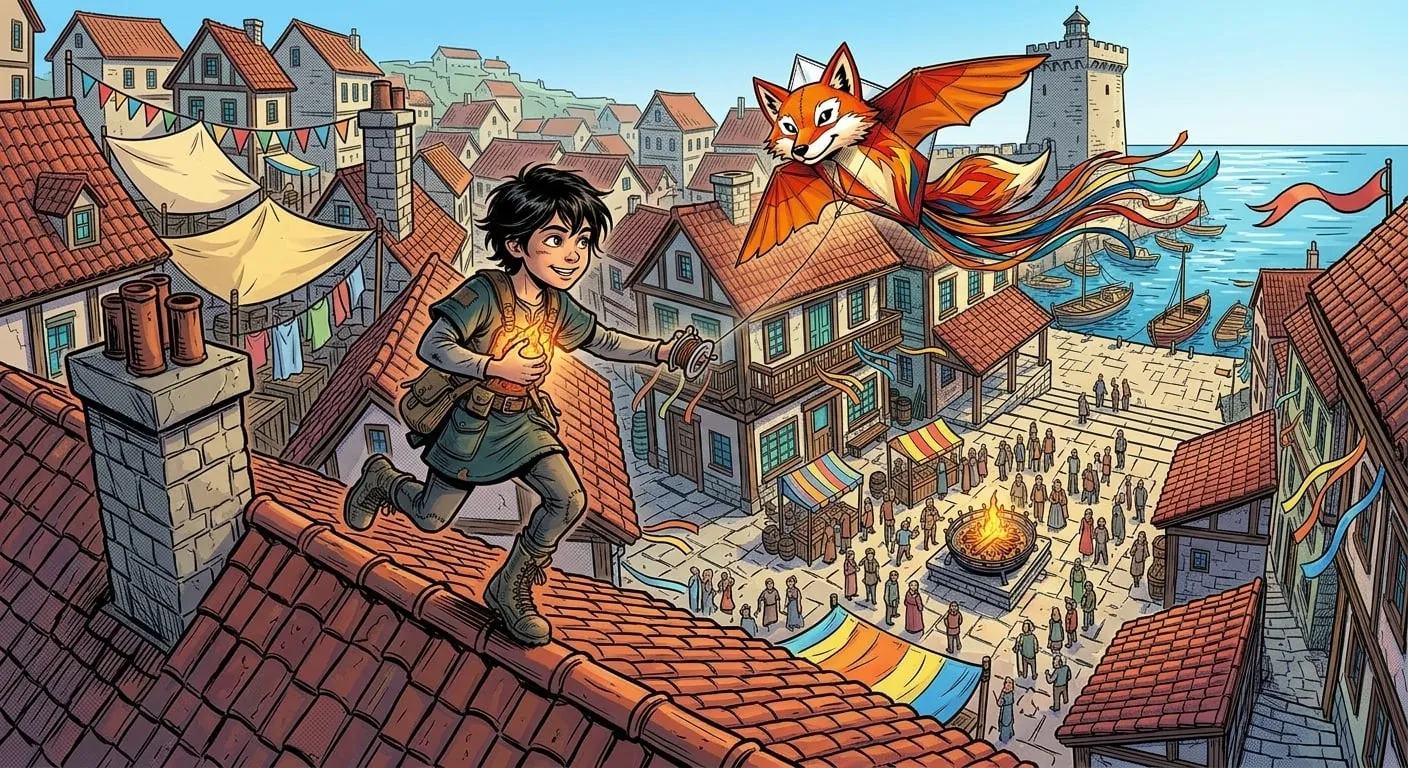
Write the story with guidance, then generate an image for each cinematic scene. Characters and places keep the same look from scene to scene because every image is built from their identity.
What you get: written scenes and scene images with a recognizable cast.
A storyboard or pitch
Read The Mansion Above the StormFor filmmakers planning a short film or pitching an idea.
Turn the story into cinematic scenes that say what the camera sees, who is in frame, and where it happens, with an anchor image for each scene. Review and edit every shot before anything is generated.
What you get: a scene-by-scene plan with shots, camera, duration, and dialogue to walk collaborators through.

A well-structured story
Read Claudio’s Journey to RioFor writers who want structure before any media, or instead of it.
Start from a sentence, get a premise and a beat list, and expand every beat into a written scene you edit side by side. Characters and locations stay connected to the scenes they appear in.
What you get: a complete, organized story you can keep writing, no images required.

Which one is yours?
Every new account starts with 300 credits for the story and the images.